
Bot Welcome Desk
The independent place to learn Grok Bot. Start with one helpful bot, then go as far as you want.
Start here
Your first hourMake a bot, attach a document, and check what it gave you.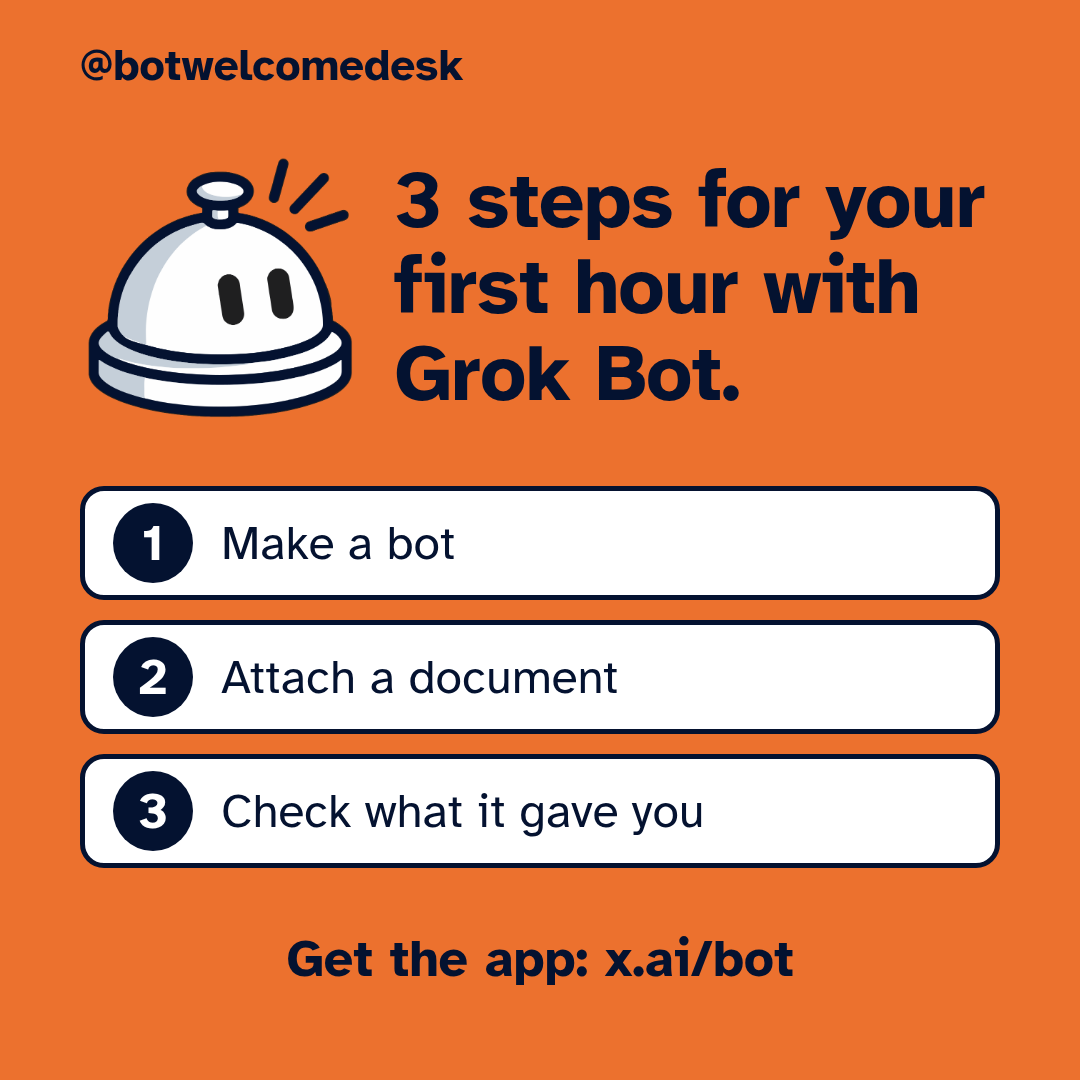
Connect an app
Automate
Three steps. Start with one small job, not everything.
Need the app? On a computer, get it at x.ai/bot. When it opens, choose Sign in.
Grok Bot needs a paid plan, and not every plan includes it, so check x.ai/bot first.
The desktop app runs on macOS, Windows or Linux. On iPhone or Android, get the companion app from the App Store or Google Play. The pictures on this page show the Mac app, as of Oct 18, so your screen may look a little different.
Step 1: Make a bot.
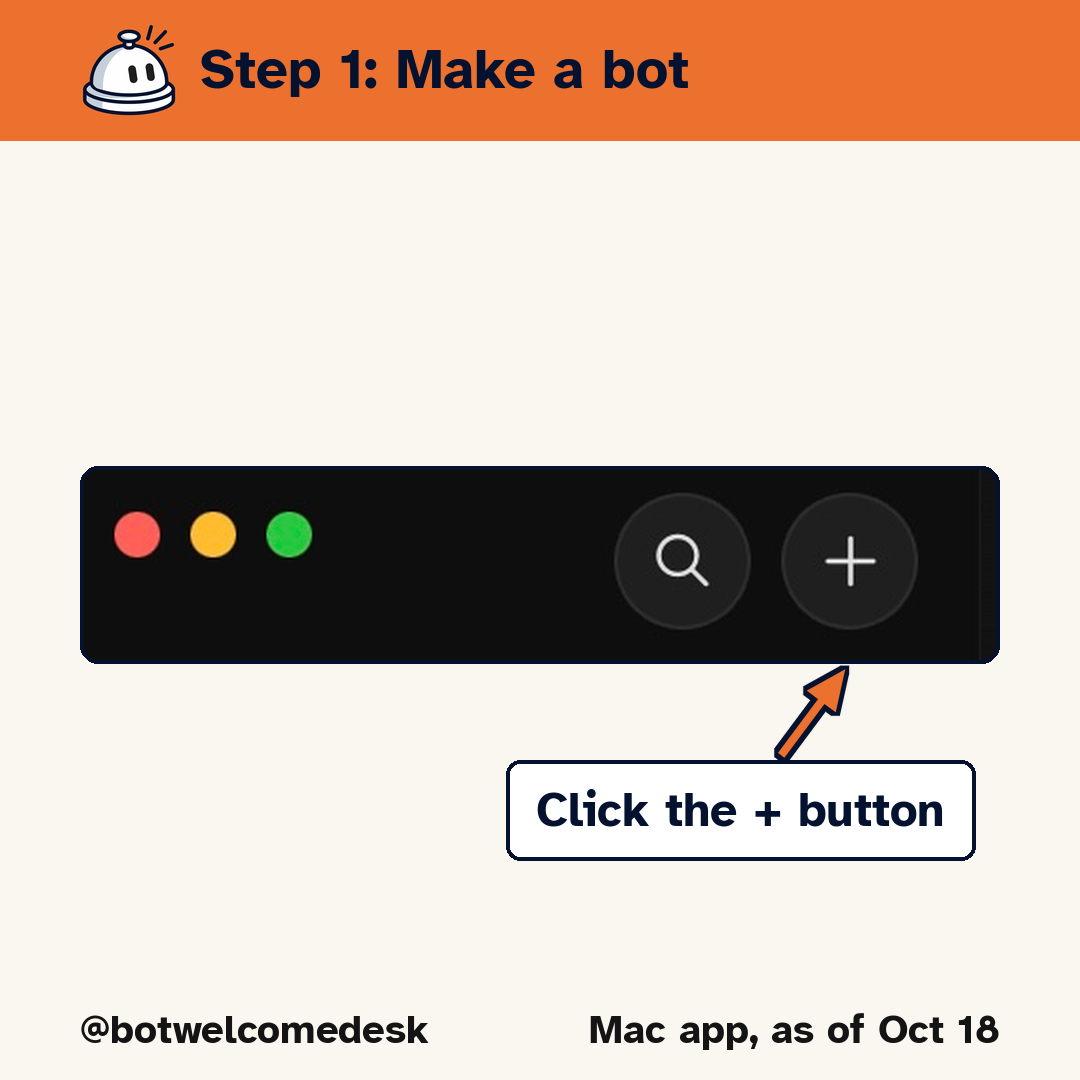
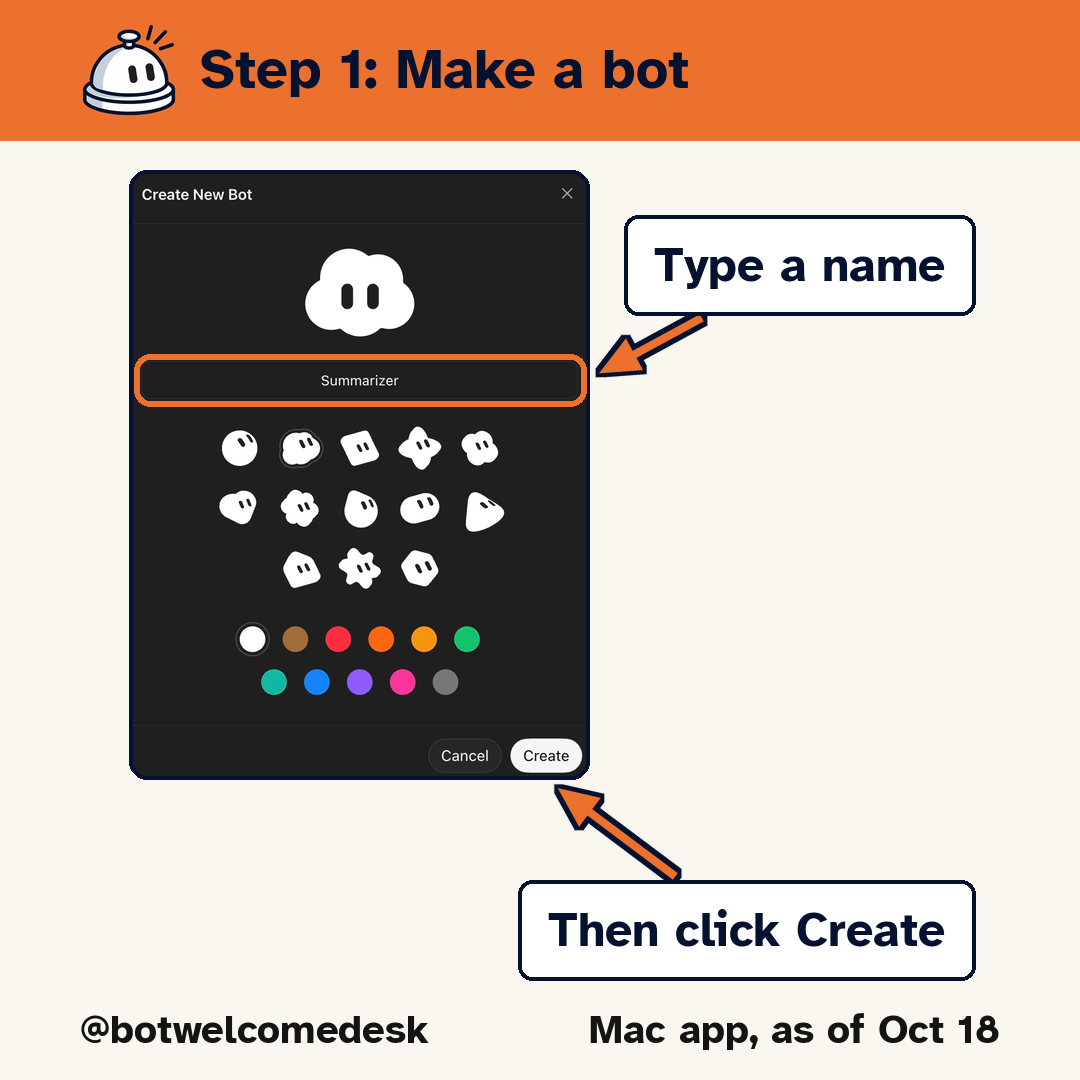
Click the + button at the top left, next to the magnifying glass. Type a short name, like "Summarizer," and click Create.
Your new bot will introduce itself in the chat. Then you're ready for Step 2.
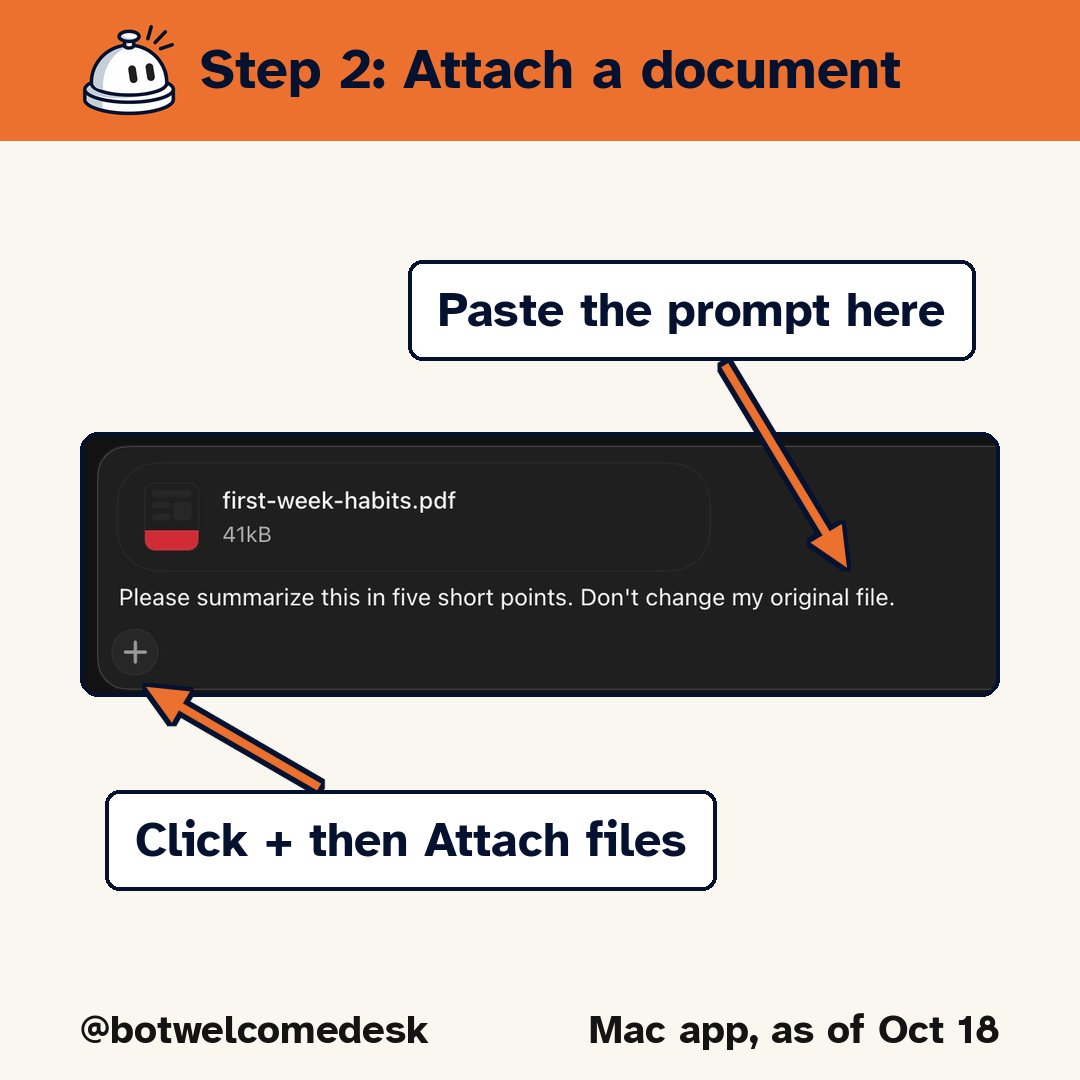
Step 2: Attach a document you already have, like an article saved as a PDF.
Type or paste this:
"Please summarize this in five short points. Don't change my original file."
Beginner tip: Skip anything private. For now, only reading and writing. Nothing that sends or buys.
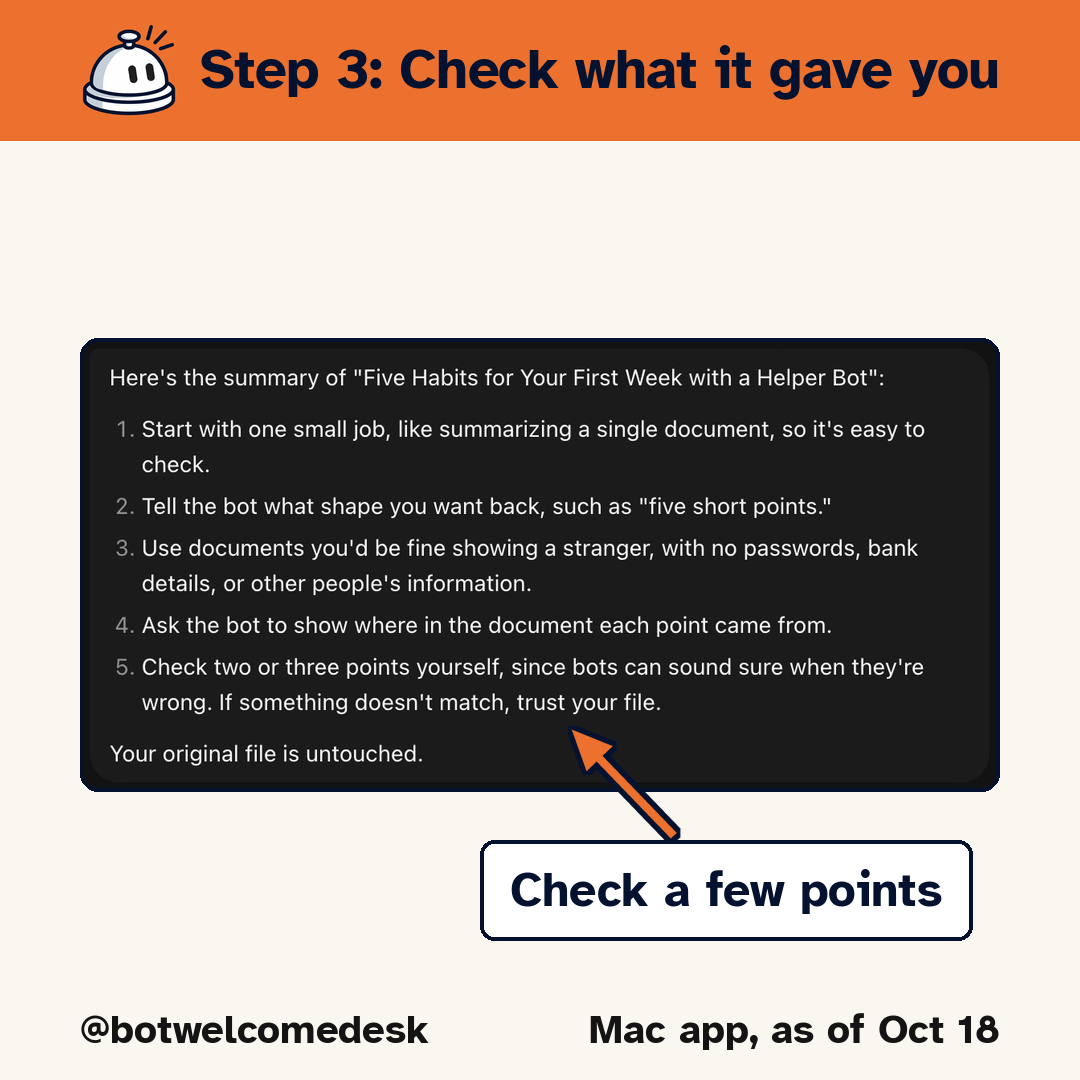
Step 3: Check what it gave you.
Type or paste this:
"Please show me where in the document each point came from."
Don't just trust it. Check a few points against the document.
Try Step 1 today. Bookmark this page for later.
Stuck somewhere? Tell us on X, @botwelcomedesk.
The official help pages are at docs.x.ai/grok-bot.